ImageGoNord
A small tool for finding a different colour language. ImageGoNord brings palette conversion to a Python package and a browser experience, so the same idea can be used from code or tried with an image.
Open-source projectStory by Miki Lombardi
- My contribution
- I co-authored ImageGoNord with Wabri, alongside the work of the Schrödinger Hat community.
- Project context
- Co-authored with Wabri, with contributions from the Schrödinger Hat community. The web architecture describes the shared project, rather than work attributed to one person.
In pictures.
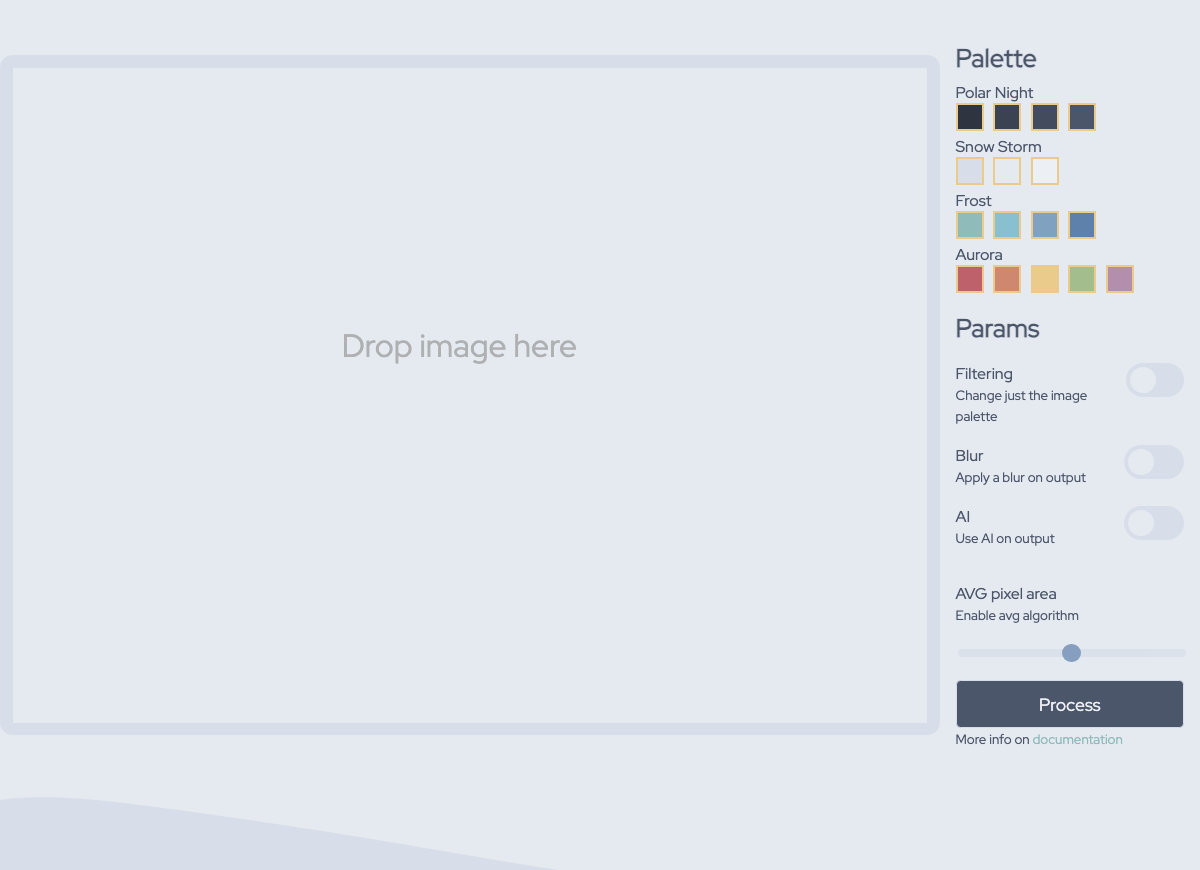
Real captures of the ImageGoNord interface. These show the upload and palette settings; they are not a claim about conversion accuracy or usage.
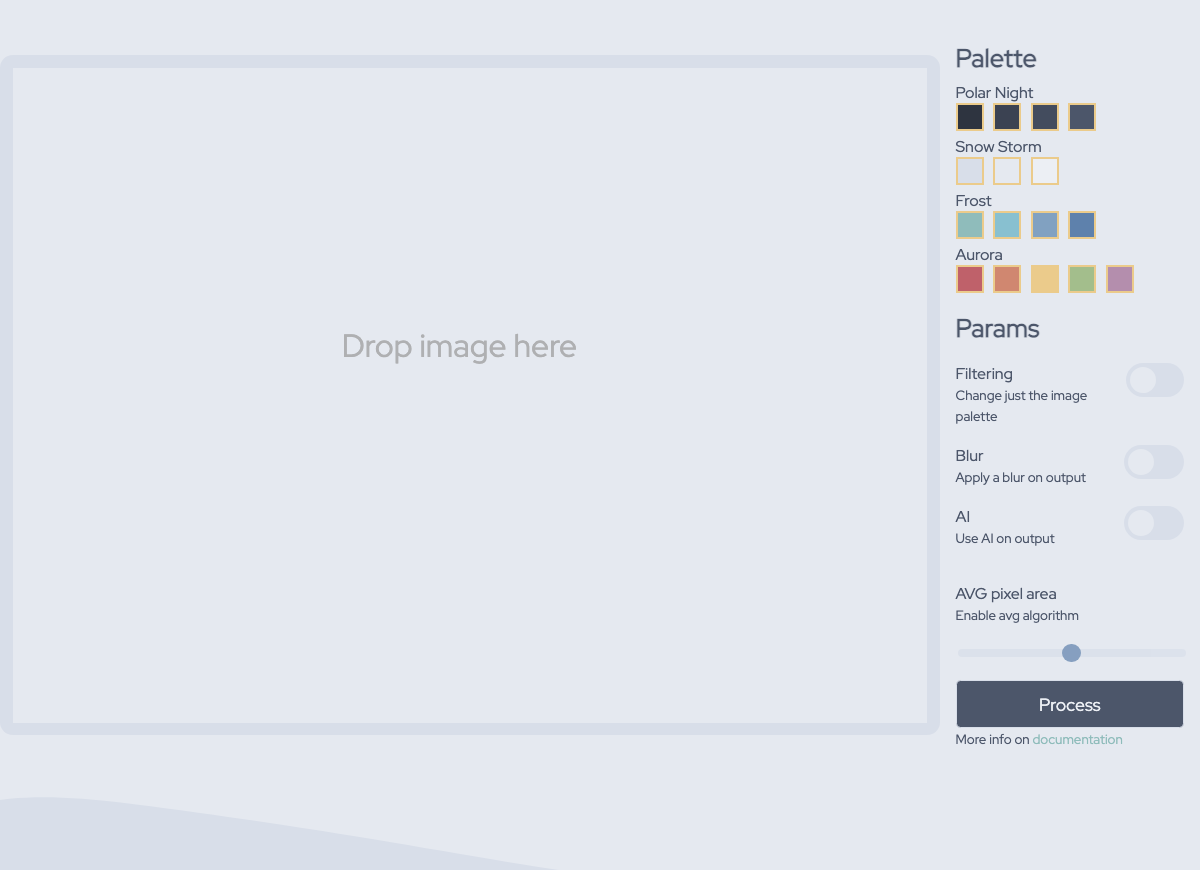
The conversion interface: upload an image and choose palette options.
ImageGoNord / Schrödinger Hat · interface capture, November 2026
View full-size image: The conversion interface: upload an image and choose palette options.
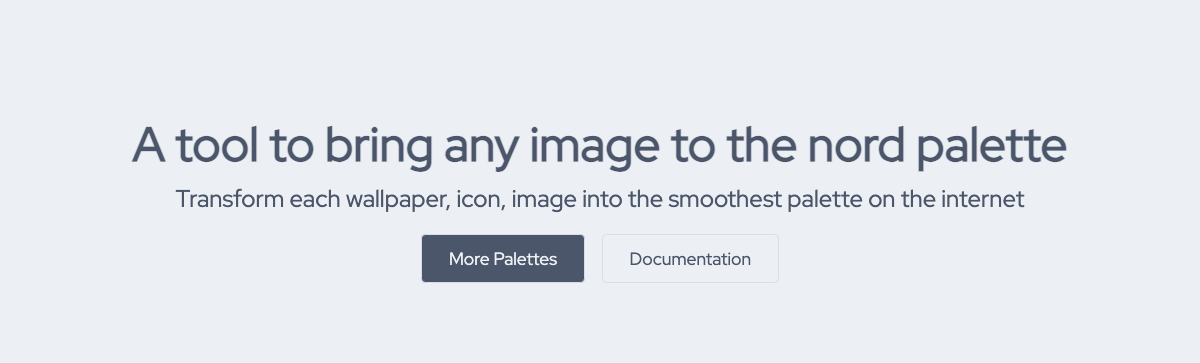
The live website’s introduction to palette conversion.
ImageGoNord / Schrödinger Hat · interface capture, November 2026
View full-size image: The live website’s introduction to palette conversion.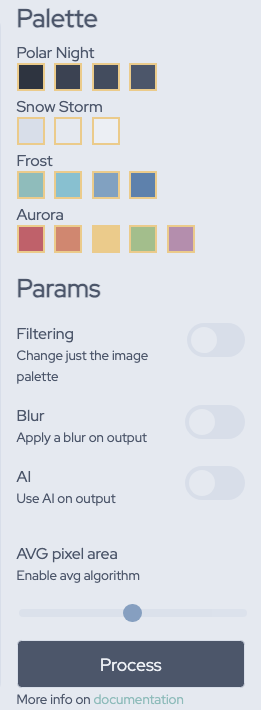
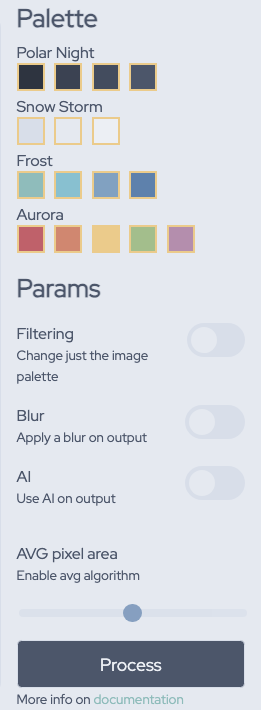
Palette groups and conversion settings. Open the full-size image to read the controls.
ImageGoNord / Schrödinger Hat · interface detail, November 2026
View full-size image: Palette groups and conversion settings. Open the full-size image to read the controls.
A palette beyond one image
ImageGoNord started from an interest in applying a consistent colour palette to images. The useful boundary is between the conversion itself and the ways people want to use it: a script, a Python program or a browser.
An image-processing operation does not have the same workload as accepting a web request. The interface needs to start work and communicate with the processing service without making the conversion package depend on a particular website.
Separate the engine from the request
A direct conversion in the HTTP request would have fewer moving parts, but it would couple request handling to the processing job. The documented project architecture instead uses Flask and Gunicorn to accept conversion requests, Redis for queue management, and background workers using the ImageGoNord Python package.
That separation makes the conversion package useful outside the web interface. It also introduces a queue and workers that have to be operated alongside the API. It is a tradeoff in the project’s architecture, not evidence of a particular response-time improvement.
One package, a browser entry point
The Python package handles image and palette operations, with Pillow providing image manipulation. The web interface supplies image upload and palette controls, while the API and workers form the processing boundary behind it.
I co-authored ImageGoNord with Wabri. Keeping that attribution visible matters: the package, website and later community contributions form a shared open-source project. A description of the overall system does not mean I independently built every later version or deployment.
Try the idea. Read the implementation.
The gallery shows the real browser interface, its palette groups and conversion settings. The live demo and public source provide different ways to explore the same tool: try an image, inspect the package boundary or follow a conversion job through the web application.
The engineering lesson is the value of a reusable conversion boundary. It lets an interactive demonstration and a programmatic workflow share the same purpose, while making the cost of the web layer explicit.