Chromatique
One colour engine, several ways to use it. Chromatique explores how the same palette-processing behaviour can be reused through a command line, language bindings and creative-tool interfaces. It is still in development.
In developmentStory by Miki Lombardi
- My contribution
- My work includes image analysis, image comparison and lightness-preserving palette selection.
- Project context
- An evolving ecosystem with a shared engine and several integration surfaces. The available CLI example demonstrates one operation; it does not independently verify every integration as a finished release.
In pictures.
A licensed source photograph beside actual Chromatique CLI output. The example uses ordinary OKLab palette mapping without dithering; it does not demonstrate the optional lightness-preservation mode.
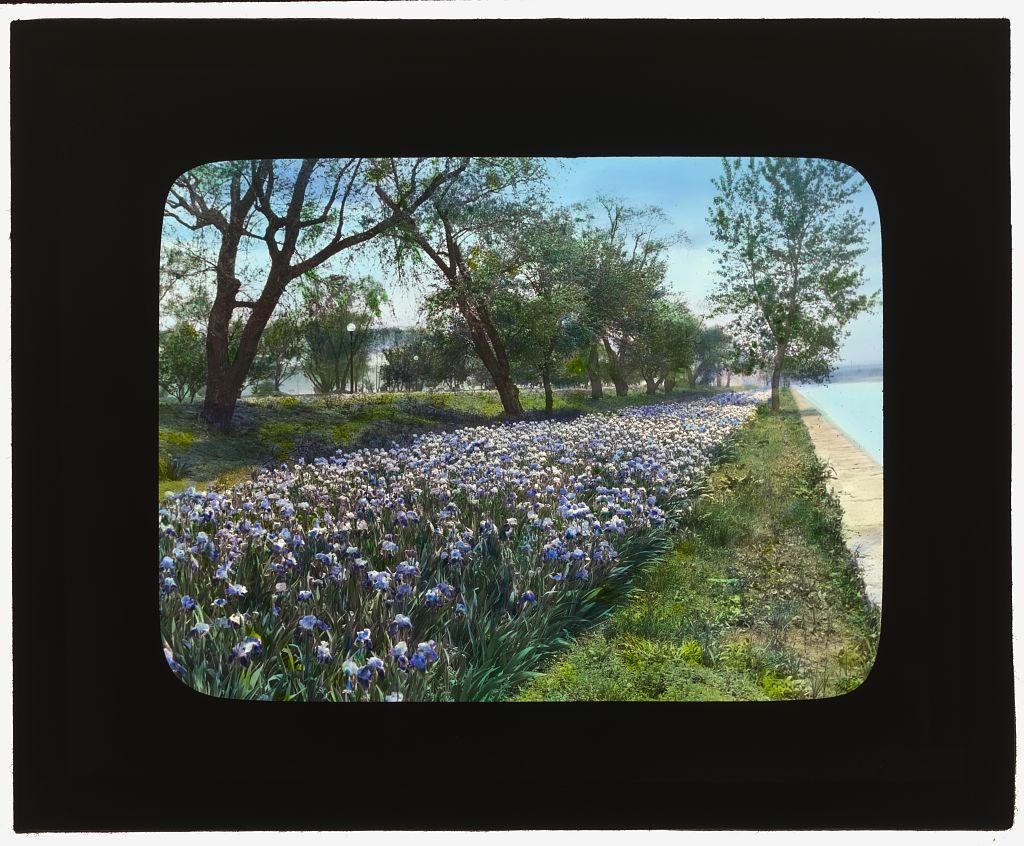
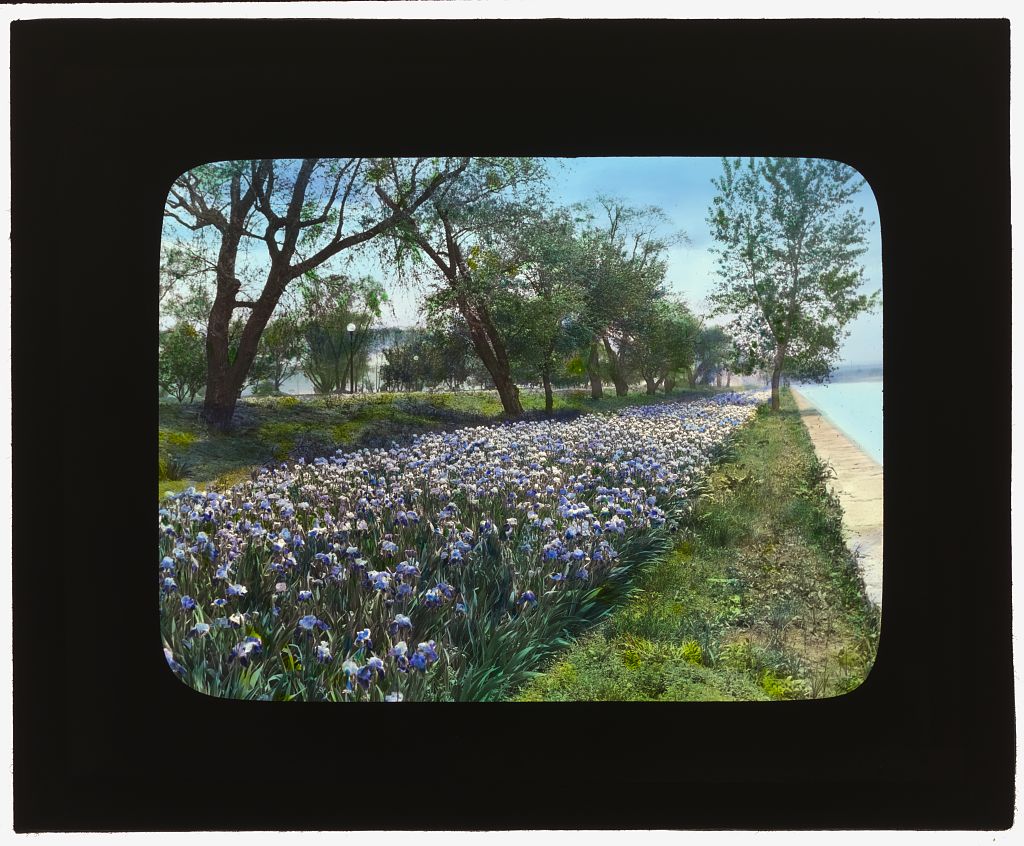
Original input: Irises along the embankment, West Potomac Park, 1921.
Frances Benjamin Johnston / Library of Congress · no known restrictions on publication
View full-size image: Original input: Irises along the embankment, West Potomac Park, 1921.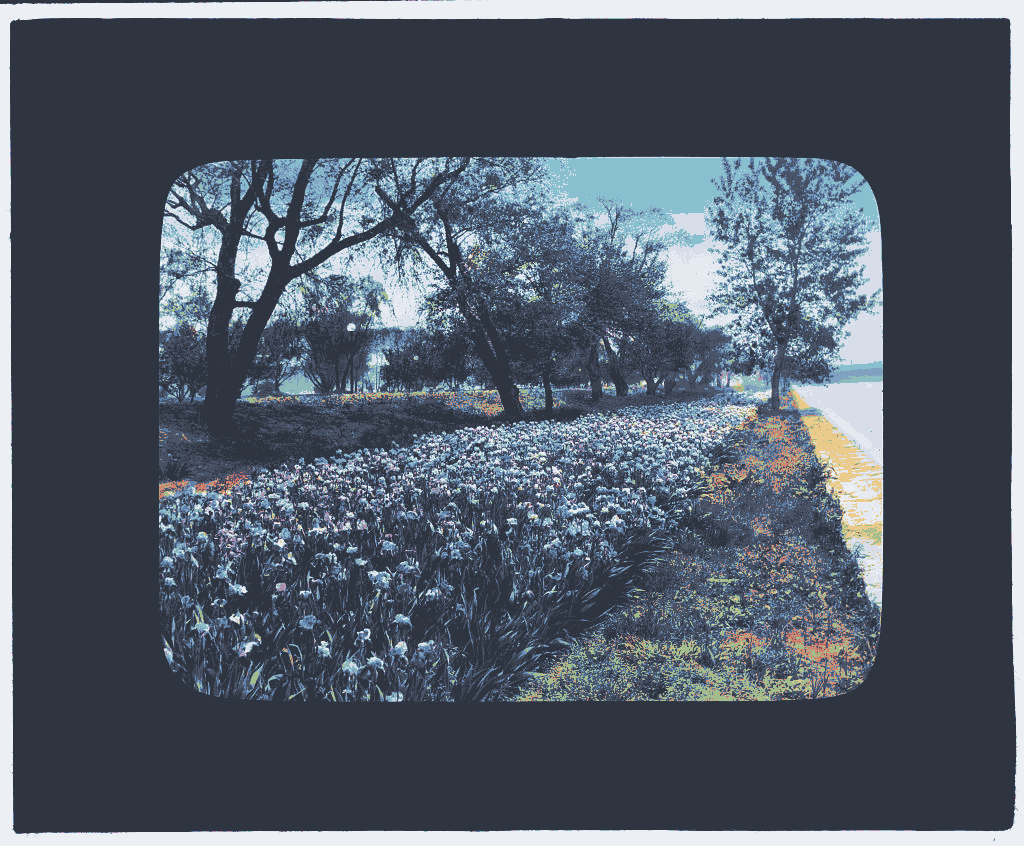
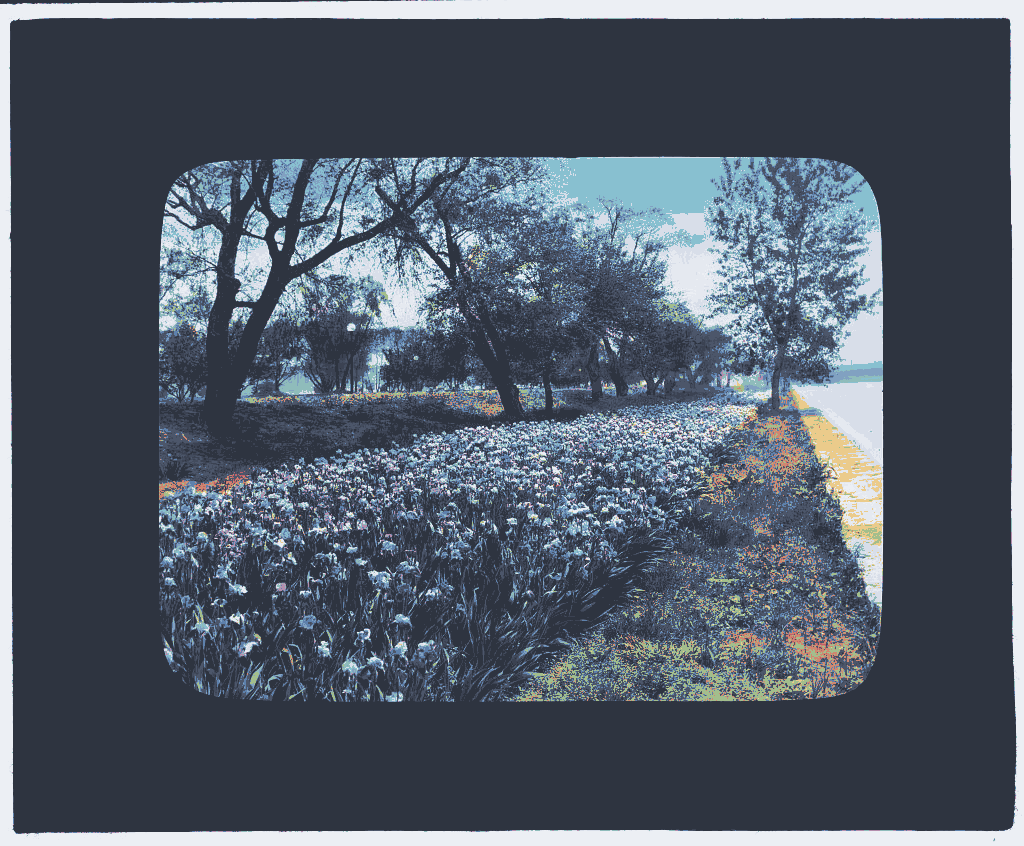
Actual Chromatique CLI output: Nord palette, OKLab, CPU, no dithering.
Chromatique 0.2.0 · source photograph: Frances Benjamin Johnston / Library of Congress; Nord palette: Sven Greb
View full-size image: Actual Chromatique CLI output: Nord palette, OKLab, CPU, no dithering.
A shared colour contract
A palette engine is useful in more than one environment. Reimplementing its algorithms independently in each language would make it harder to keep defaults, colour selection and output behaviour consistent across those entry points.
The project uses a shared Rust core, with other languages integrating through bindings. The deterministic CPU path remains the reference behaviour; optional acceleration must not change that contract. The project is in development, so a list of integrations is not a list of independently verified releases.
Choose lightness deliberately
For lightness preservation, the mapper chooses the palette entry with the closest OKLab lightness, then uses chroma distance to resolve ties. Palette order provides a final deterministic tie-break. This keeps the output inside the requested palette and gives the selection rule a precise meaning.
A weighted colour-distance formula can trade lightness against chroma, but cannot make the same minimum-lightness-error guarantee. Choosing lightness first has its own tradeoff: it can select a colour that is less faithful in hue or saturation. Changing the palette to match the input would solve a different problem by introducing colours outside the requested palette.
Explicit behaviour at the boundary
My repository work includes analysis, comparison and the lightness-preserving selection path. The Rust core decision keeps algorithmic behaviour in one place, while bindings expose that behaviour to other languages. Rust is a structural choice here, not a benchmark result.
Requests for unsupported preservation behaviour return an explicit error instead of being silently ignored. Lightness preservation uses the OKLab path; the decision record distinguishes that from ordinary sRGB matching. Lightness selection, structure handling and contrast adjustment have separate contracts; they are not interchangeable preservation flags.
An input, a recipe, a real output
The gallery pairs Frances Benjamin Johnston’s 1921 photograph of irises at West Potomac Park with the actual output from Chromatique 0.2.0. The input’s Library of Congress rights advisory records no known restrictions on publication. The output uses the sixteen-colour Nord palette, credited to Sven Greb.
This run uses the CPU path, OKLab and no dithering. It demonstrates a reproducible palette conversion, not a performance benchmark or the optional lightness-preservation algorithm. The lesson is to make each operation’s contract clear enough to inspect and test without confusing it with another operation.
chromatique map --palette nord --palette-dir ./palettes \
  --space oklab --dither none --indexed \
  irises-original.jpg -o irises-nord.png